
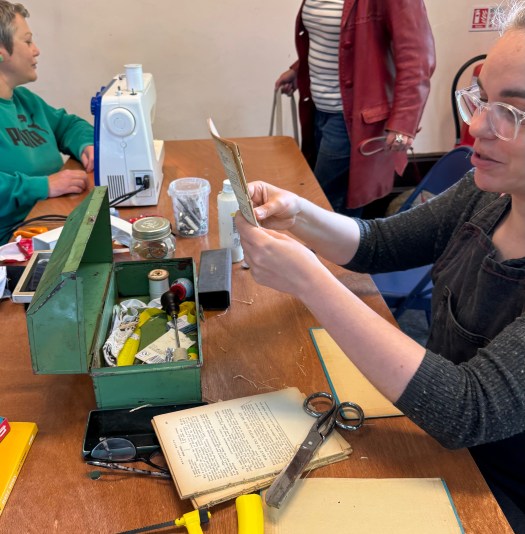
A guest post from Viv Schwarz (who fixes paperback books at our Brighton Repair Cafe)
Do you have a computer that is creaking under the latest windows updates, and threatening to give up the ghost? I had two. Both needed for work – one for writing and admin, one for digital drawing and painting.
Switching the first one was a spontaneous decision. I was well and truly fed up. Constant warnings, constant new AI features I did not need or want. One evening, I decided to just wipe it and start from scratch with Linux Mint.
There were no problems at all. I did it in one evening. The laptop stopped struggling along and went back to working like it used to do – and every software I had used before was easily replaced with a free alternative. Security was up to date, too. How easy was that? I was almost annoyed.

Microsoft has been warning users for a while now that many computers will be unable to run the latest operating system, and that security support will inevitably run out for Windows 10. There’s one more year to go – if you sign up for an account. Meanwhile, AI is being shoehorned into every bit of their software, eating processing power and generally being a nuisance as far as I am concerned. I want to have the choice to turn it off, and if you’ve tried to do that recently you’ll have noticed how it keeps popping back up.
None of that is happening on my laptop now – Linux Mint is running politely and efficiently.
The Brighton Repair Cafe has been joining other community groups worldwide in supporting people who need help as Windows 10 is running out.
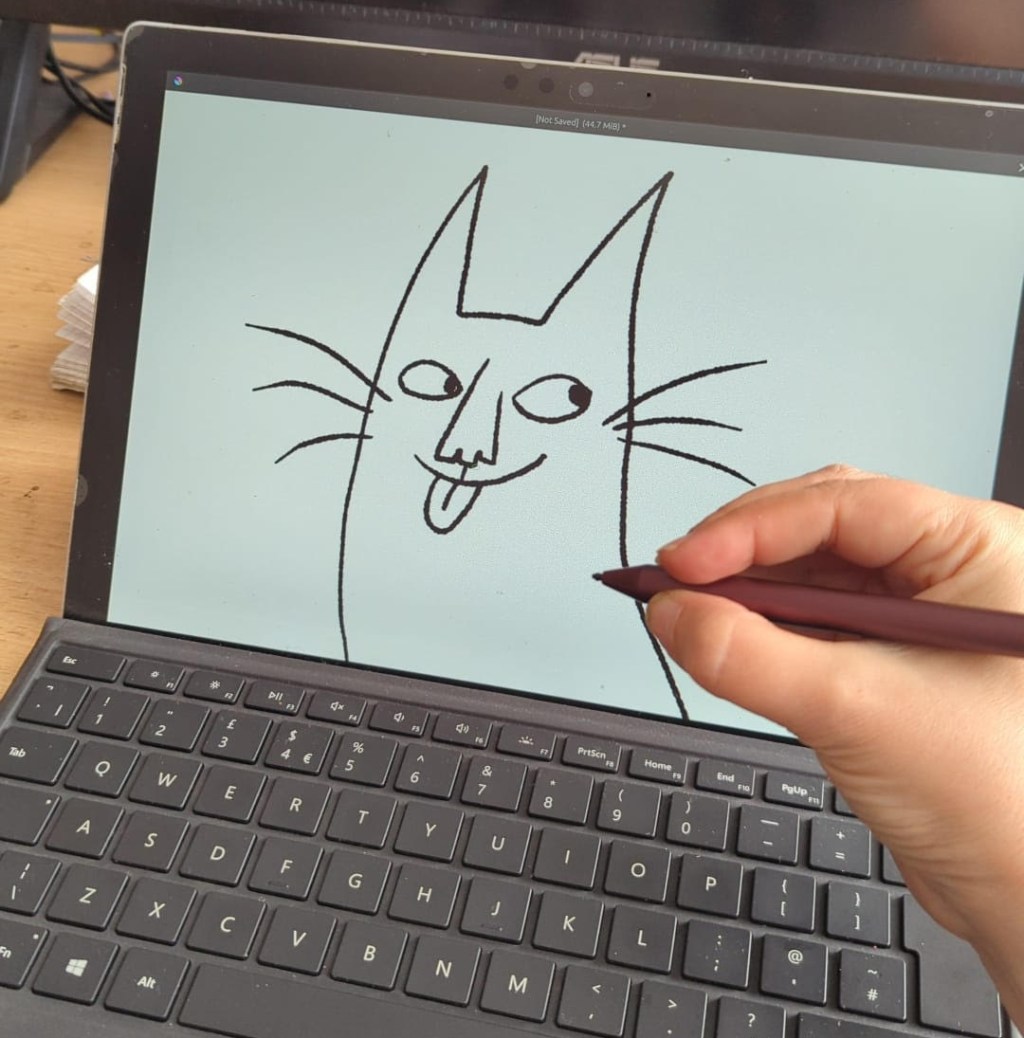
This morning, I finally decided to take the jump and switch my Microsoft Surface over, too. I’d read warnings – tablet computers can be temperamental, the touch screen might not work… But as it was, it was useless anyhow. I could not work on it any more. The choice was between spending over a grand on a replacement – or trying the switch.
I did have to tinker with it. It was more tinkering than I’d expect a novice Linux-user to put up with. But it was still an easy job for me, done over breakfast, and if it had turned out not to be easy I would have taken it to the next repair cafe and asked the computer team there.
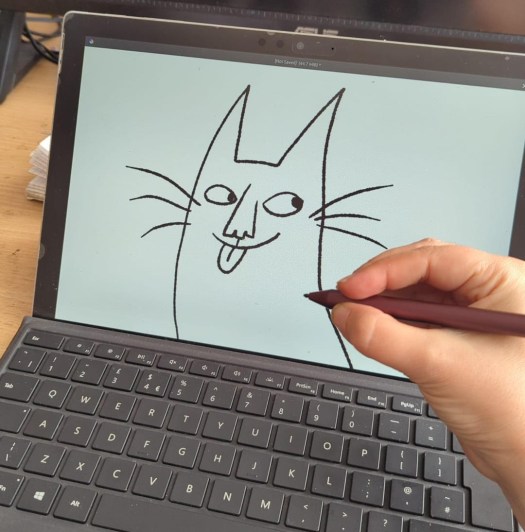
As it is, I am happily drawing professional illustrations for my new children’s book on a computer that Microsoft would like me to throw into landfill.
I have found that all you need to do every job needed to get your zine, comic, book print-ready is a laptop – even one that you think is only good for the attic now – and free open source software. Now I am thinking about doing community workshops teaching people to do just that.
Meanwhile, if you have an old computer and might want to try how it (and you) might take to Linux – bring it into the Repair Cafe! We have a team of volunteers ready to help you out. You can try out Linux without installing it. And if I am there (and not elbow deep in book-binding) I can help you get started with software to draw, paint, write, lay out your work for print… and a whole lot of other creative adventures.
If you are outside Brighton, just check out Endof10.org for resources and to find your local team of helpers. There are many of us!
Keep fixing things – and making things – together!
Viv
 Brighton Repair Café